Press kit
Everything you need to write about Memory Tin. If you need something that is not here, email support@peidusproducts.com and we will send it as fast as we can.
Fact sheet
| Name | Memory Tin – Photo Cleanup |
|---|---|
| Developer | Peidus Products OÜ (Estonia) |
| Platform | iPhone, iOS 17.0 and later |
| Price | Free. Premium $49.99/year or $99.99 lifetime. |
| Languages | 13, including Japanese, Korean and Simplified Chinese |
| Website | memorytin.app |
| Contact | support@peidusproducts.com |
Boilerplate
One line
Memory Tin is an iPhone photo cleanup app that opens at your oldest photo and walks forward through your life, one day at a time.
One paragraph
Memory Tin turns clearing out a camera roll into something closer to remembering. Instead of a grid of thousands of thumbnails, it opens at the oldest photo you own and moves forward in day-sized chapters: swipe right to keep, left to drop into the tin, down to decide later. Nothing is deleted until you empty the tin yourself, in one batch with one confirmation, and emptying it is free forever. Everything happens on the device — no account, no upload, no cloud. Made by Peidus Products OÜ in Estonia.
The interesting bit
- Oldest-first is the product. Most cleaners start with the newest clutter or an algorithmic “duplicates” pile. Starting at the beginning turns a chore into something that can actually be finished.
- Deleting is never paywalled. The category's most common pattern is to let you select hundreds of photos and then ask for money before the delete button works. Memory Tin's entitlement check for deletion is a hardcoded “always allowed”.
- One batch, one dialog. iOS shows a system confirmation for every delete call, so most apps make you tap through dozens. Swipes here only fill the tin; the delete happens once.
- Honest storage numbers. The app says “up to X MB” because iOS holds deleted photos for 30 days and reports full sizes for iCloud-optimised assets. No app can empty Recently Deleted for you, and pretending otherwise is how cleaners get their bad reputation.
Assets
Right-click to save, or email us for the originals at full resolution.
 App icon — 512 px PNG
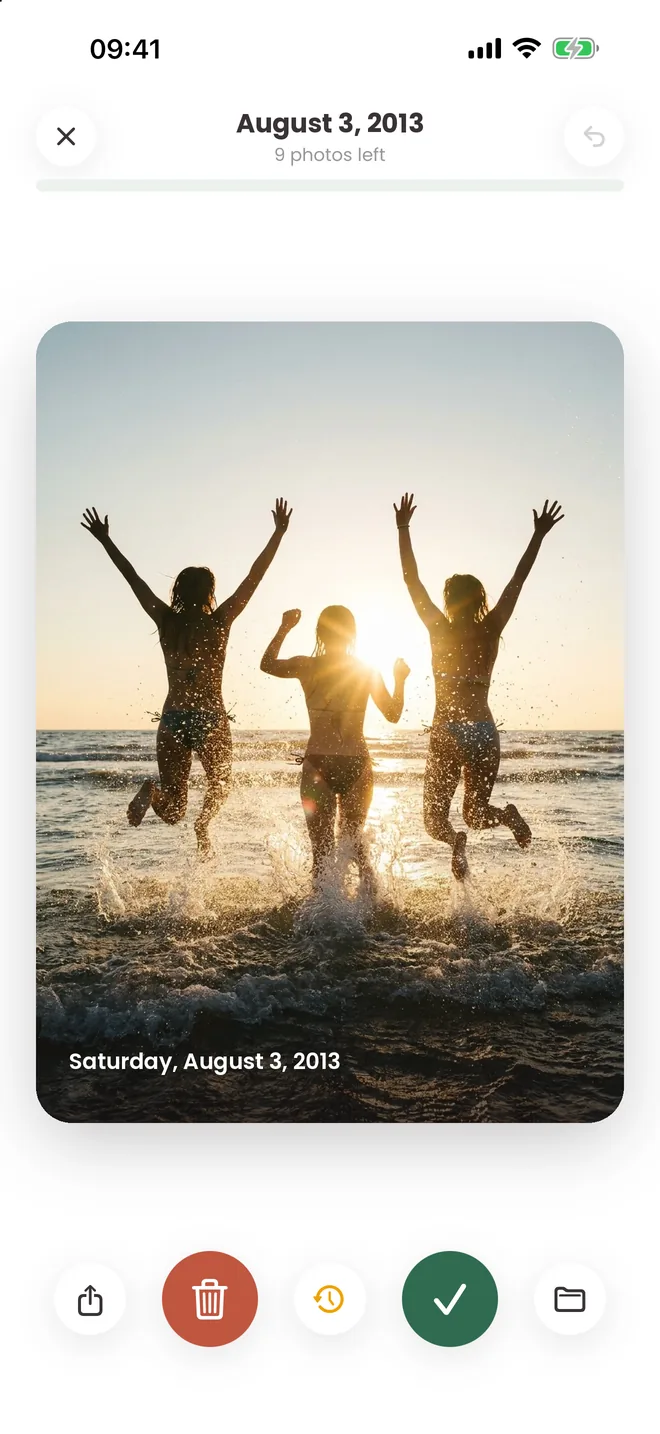 Screenshot — the deck
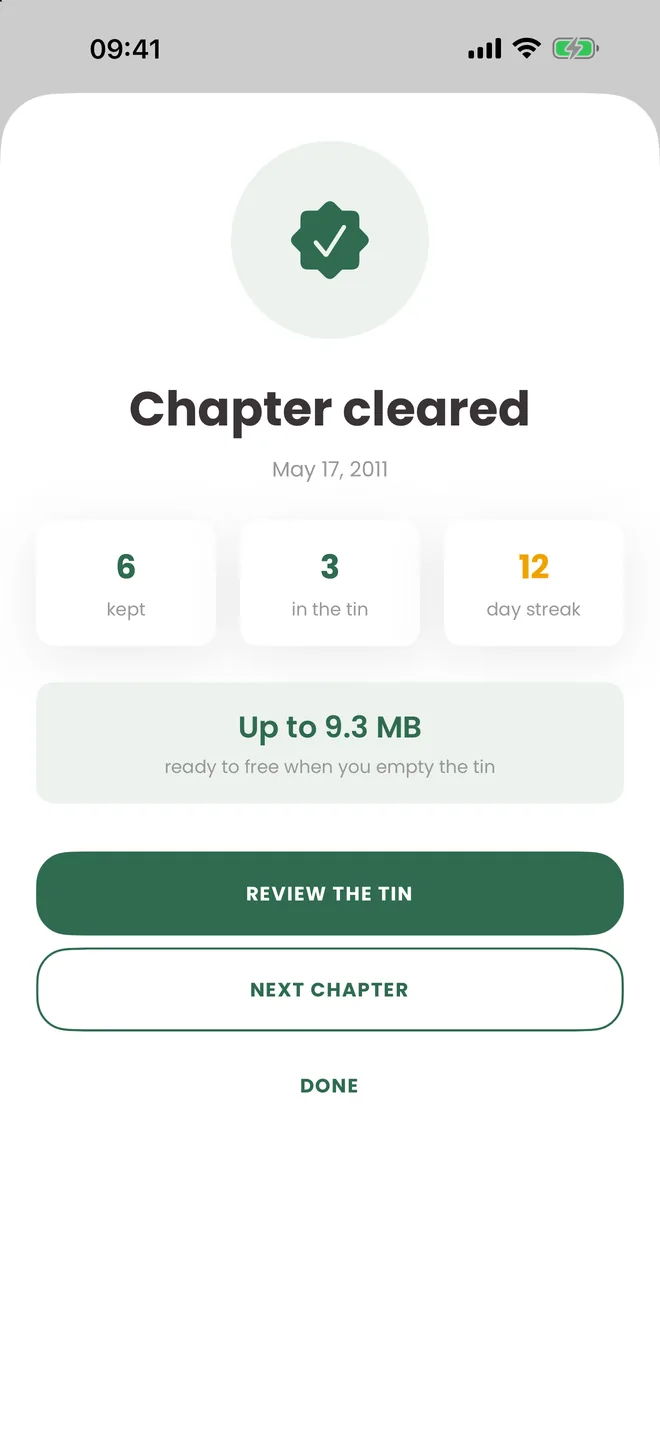 Screenshot — chapter cleared
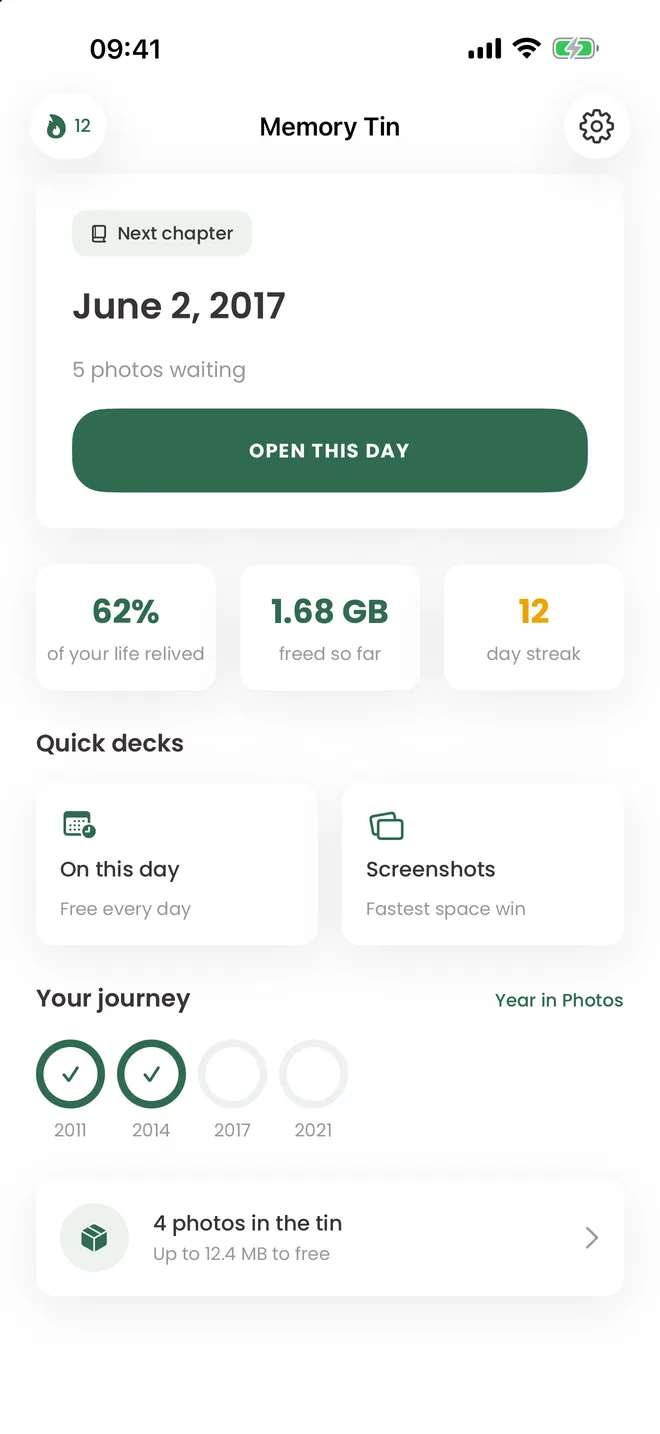 Screenshot — journey
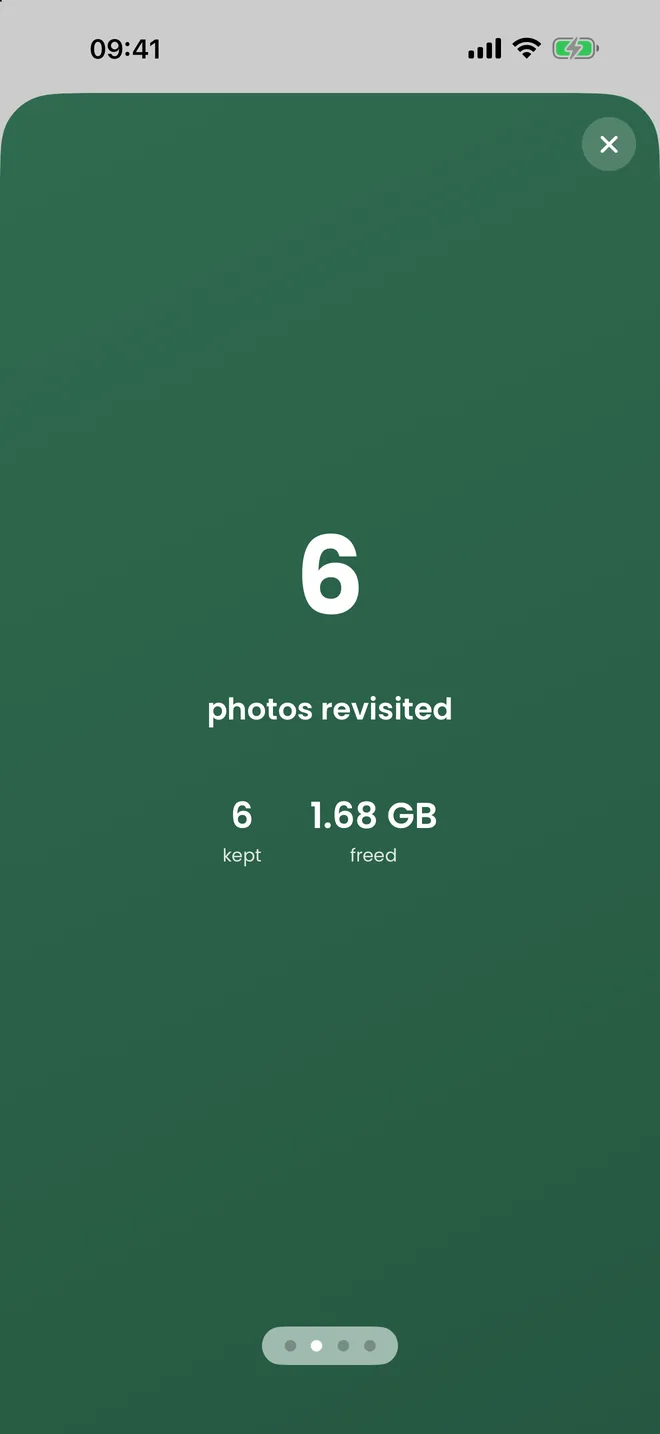 Screenshot — Year in Photos
 Cover image — 1200×630
Using our brand
Please write the name as Memory Tin, two words, both capitalised. The
accent colour is #2F6B4F. Do not stretch, recolour, or add effects to the
icon, and do not place it on a background that makes the tin unreadable. You are welcome
to use these assets in articles, reviews and videos about the app without asking.